> ## Documentation Index
> Fetch the complete documentation index at: https://docs.b3.fun/llms.txt
> Use this file to discover all available pages before exploring further.

# Withdrawing Tokens from B3

> Learn how to securely withdraw your tokens from the B3 network back to Ethereum or other supported chains

Need to move your tokens out of the B3 network? Whether you're bridging back to Ethereum or another supported chain, withdrawing from B3 is simple and only takes a few steps. This guide walks you through how to securely withdraw your assets.

## How to Withdraw Tokens

<iframe className="w-full aspect-video rounded-xl" src="https://www.youtube.com/embed/AE_DhEVOmMI" title="How to withdraw tokens from B3" frameBorder="0" allow="accelerometer; autoplay; clipboard-write; encrypted-media; gyroscope; picture-in-picture" allowFullScreen />

<Steps>
  <Step title="Navigate to the bridge">
    Log in to your account at [basement.fun/bridge](https://basement.fun/bridge).
  </Step>

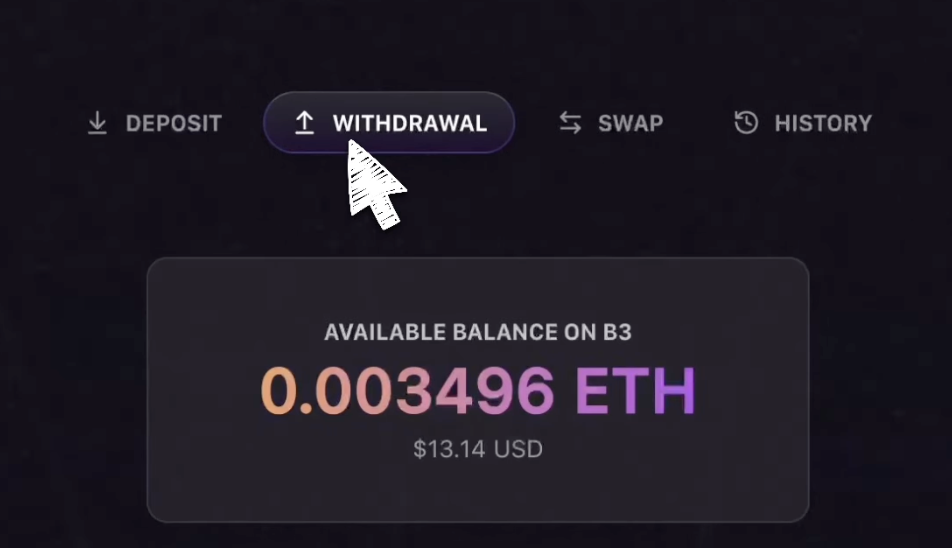
  <Step title="Select withdrawal tab">
    Locate and click the tab labeled **Withdrawal**.

    <Frame>
      <img src="https://s3.amazonaws.com/helpscout.net/docs/assets/685306b72e0550277aa9250e/images/687e4730357cee4756b4cf06/file-VJ2PNGPlJ5.png" alt="Withdrawal tab in the bridge interface" />
    </Frame>
  </Step>

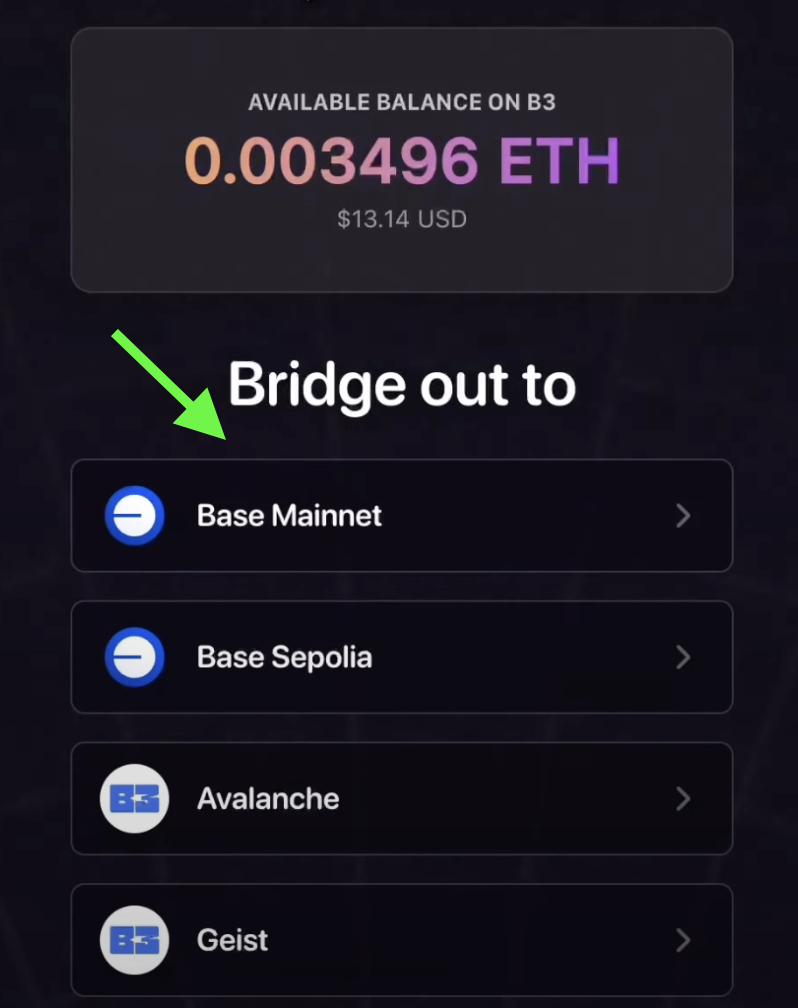
  <Step title="Choose destination network">
    Scroll down and select the network you would like to withdraw your tokens to.

    <Frame>
      <img src="https://s3.amazonaws.com/helpscout.net/docs/assets/685306b72e0550277aa9250e/images/687e4768a66e62177ed6d8f1/file-HybSHUyoMY.png" alt="Network selection dropdown for withdrawal" />
    </Frame>
  </Step>

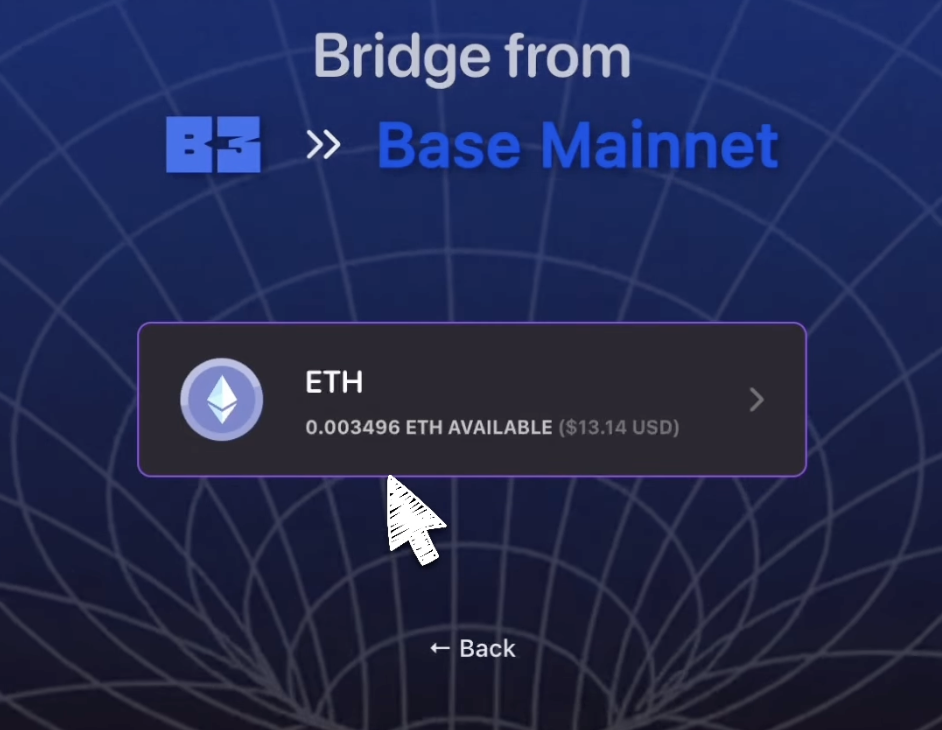
  <Step title="Select token">
    Select the token you want to withdraw.

    <Frame>
      <img src="https://s3.amazonaws.com/helpscout.net/docs/assets/685306b72e0550277aa9250e/images/687e482abb2dcf4c62e16a10/file-ulOP7Uh4gi.png" alt="Token selection interface" />
    </Frame>
  </Step>

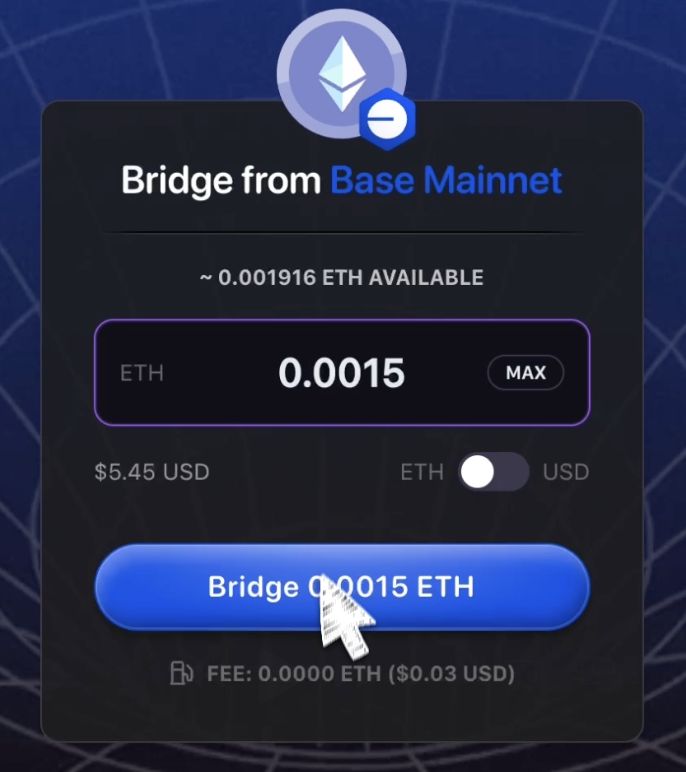
  <Step title="Enter amount and bridge">
    Enter your withdrawal amount, and then click **Bridge**.

    <Frame>
      <img src="https://s3.amazonaws.com/helpscout.net/docs/assets/685306b72e0550277aa9250e/images/687dff266828a66bbecf0bff/file-35Fdwt0jZC.png" alt="Amount input field with Bridge button" />
    </Frame>
  </Step>

  <Step title="Confirm transaction">
    Confirm the transaction in your wallet to complete your withdrawal.

    <Check>
      Once confirmed, your tokens will be bridged to the selected network and should arrive shortly.
    </Check>
  </Step>
</Steps>

<Info>
  Withdrawal processing times typically range from a few minutes to an hour, depending on network congestion and the destination chain.
</Info>