> ## Documentation Index
> Fetch the complete documentation index at: https://docs.b3.fun/llms.txt
> Use this file to discover all available pages before exploring further.
# How to Create an Account on Basement
> Learn how to create an account using email, wallet, or social login to access your basement.fun profile.
You can sign up using an EVM wallet, email, phone number (SMS), or a social account like Google, Apple, Discord, Telegram, or Farcaster.
## Step-by-Step: Creating Basement Account
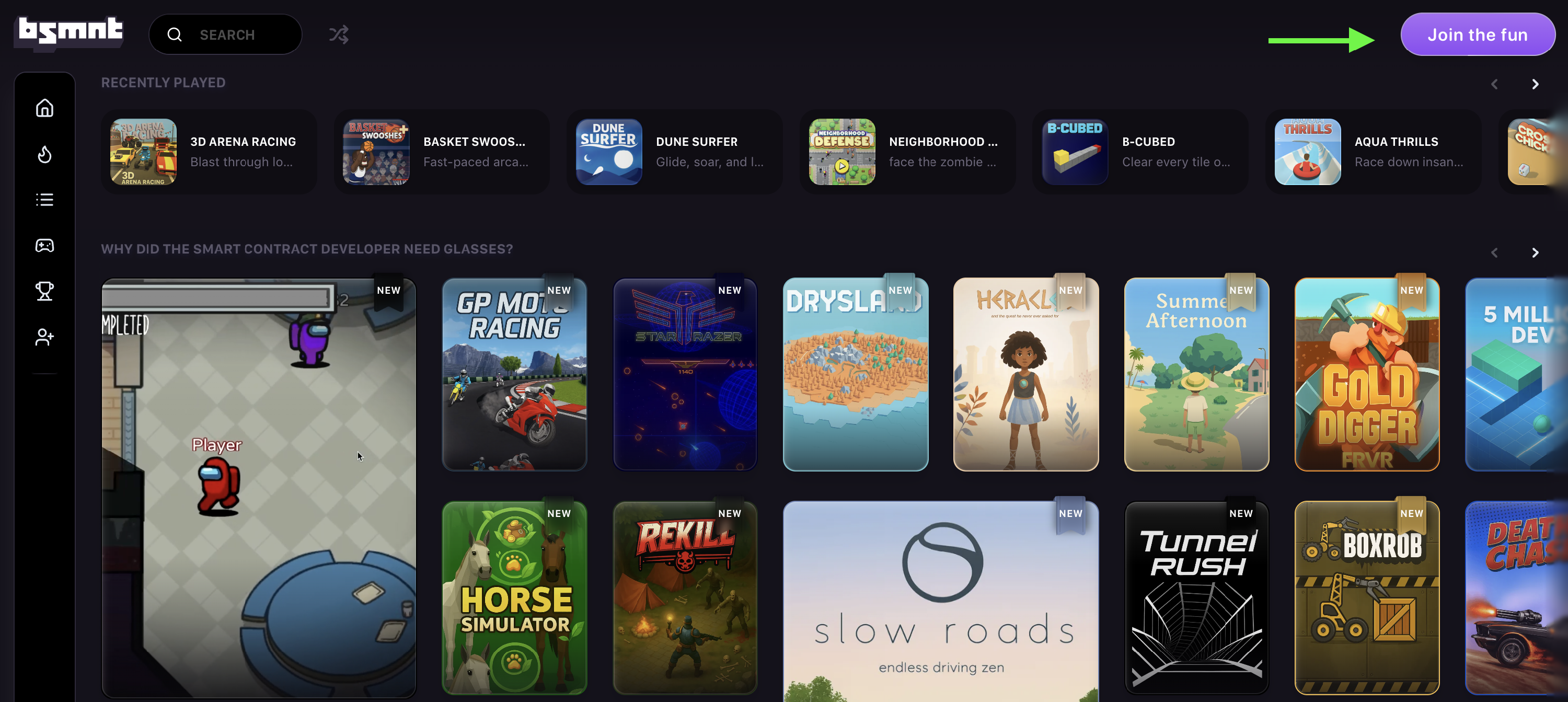
Go to [basement.fun](http://basement.fun) and click **Join the fun**.
Choose your preferred login method. You can click **More options** to see additional login methods.
* **EVM Wallet** (e.g. MetaMask or Rainbow)
* **Email or Phone Number (SMS)**
* **Social Account** (Google, Apple, Discord, Telegram, or Farcaster)
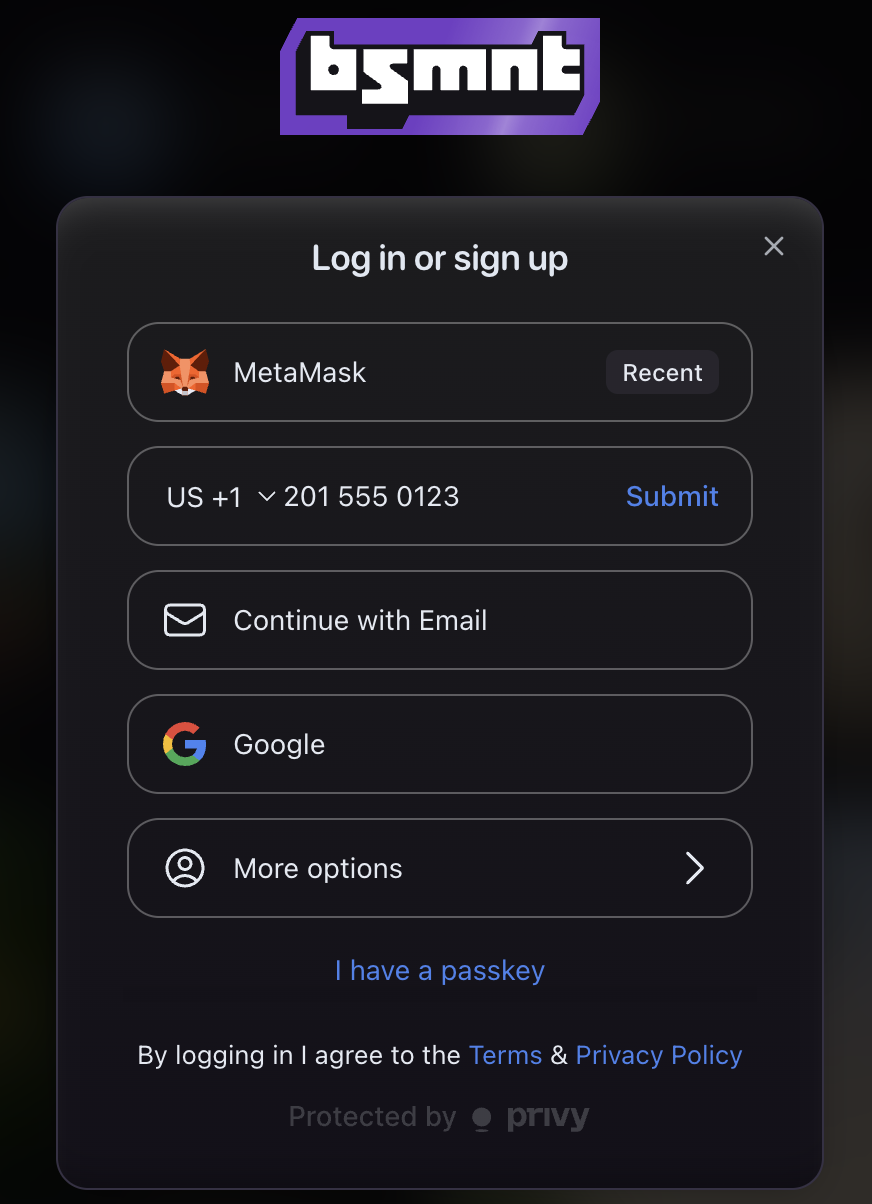
Follow the prompts to confirm your login method. This might include connecting your wallet, verifying your email, or approving access through a social account.
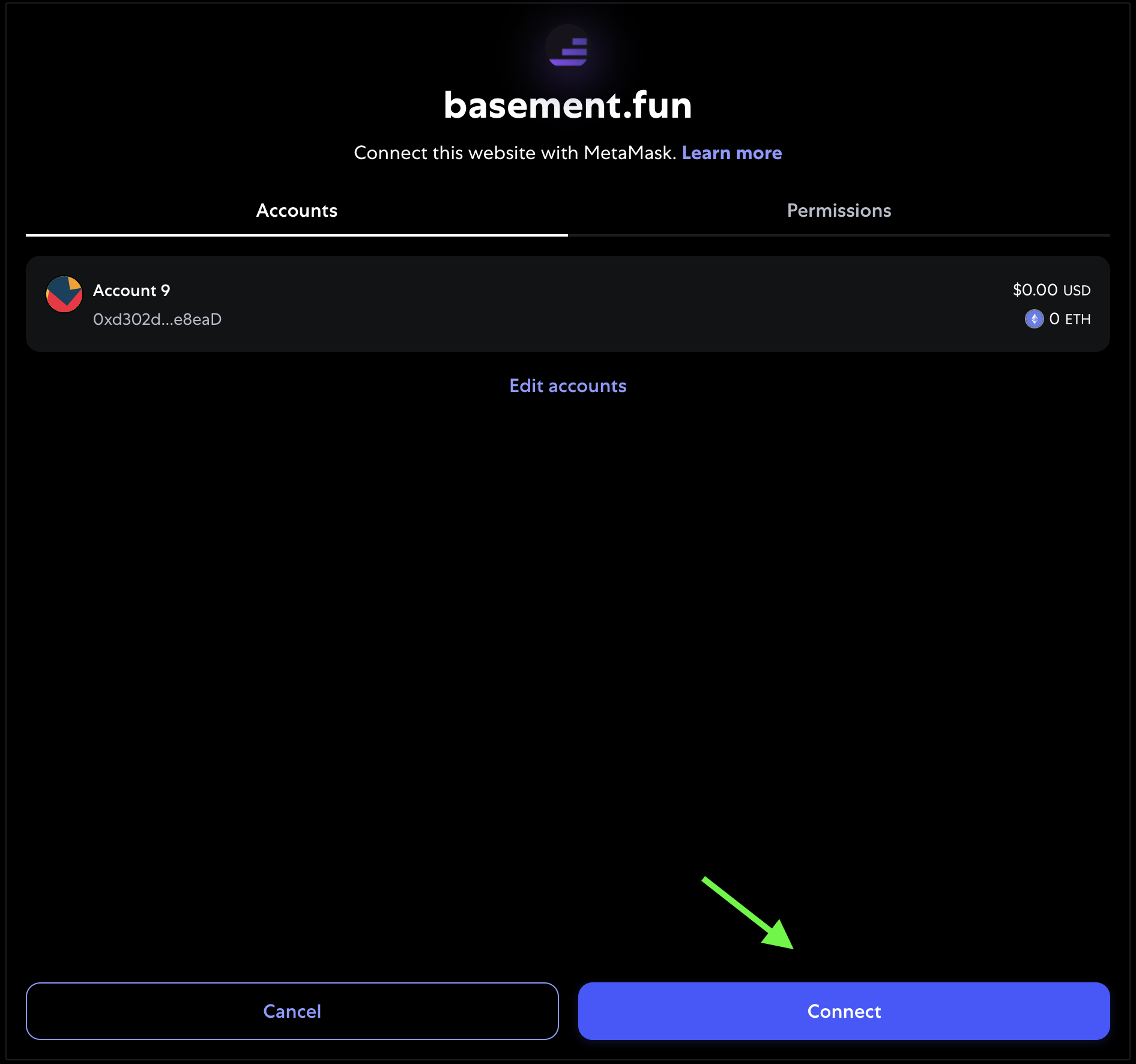
Example: If you're using an EVM wallet like Metamask, you'll see a screen like this when confirming your connection:
Once confirmed, your B3 account will be created and ready to use across all B3 platforms.